

On this page
What information should a rural accommodation website include?
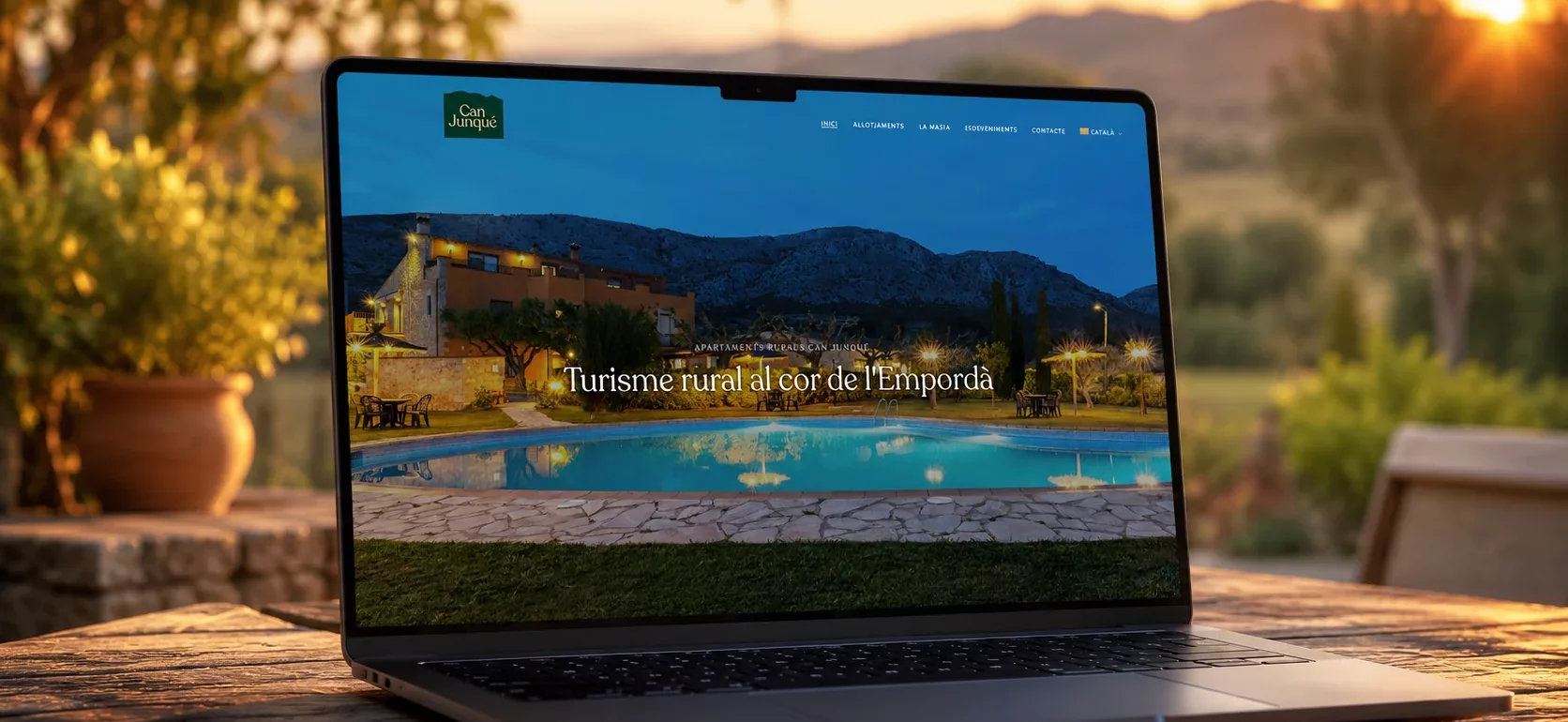
Someone arriving at an accommodation website needs to understand how many people it accommodates, how it is laid out and what stay to expect. Photography, descriptions of the spaces and practical information should make that decision possible.
A homepage can create interest, but the journey needs to lead from that first impression to the details. Images and text should complement each other. When they repeat the same message without adding information, the person still has to ask about the essentials.
- The capacity and layout of each accommodation option.
- Facilities, shared spaces and relevant characteristics.
- The location and context of the stay.
- Current photography that represents what is offered.
How direct booking should work
If online booking is available, check the whole journey. The test includes selecting dates, understanding availability, identifying the accommodation and knowing what happens on confirmation. An isolated button cannot fix the experience if each step changes its name or context.
An integrated booking engine and a link to an external tool can both work. The choice depends on how the accommodation operates, how availability is managed and what integration is actually possible. The transition needs to be understandable, with consistent information.
When a booking requires an enquiry first, say so. Dates, the number of guests and a way to contact the person can be useful. Asking for information that is not needed at that point creates extra work for the visitor and the person handling the reply.
Does the booking engine have to be embedded in the website?
Not always. A journey into an external tool can work if it is clear, consistent and has been tested. Integration needs to support how the accommodation actually operates.
Want us to look at your case? Leave us your details and we’ll tell you where we would start.
Let's talkCheck the booking journey on mobile
Testing should include menus, photographs, calendars, fields and messages. A responsive design can look good and still make it difficult to choose a date or understand an error.
Controls need clear labels and enough space to use them. Text needs to remain readable, and images should not unexpectedly push content around as they load. Checking the journey with a keyboard also helps identify orientation problems.
- Is it clear which accommodation option is being viewed?
- Can dates be selected and corrected easily?
- Do fields explain which information they need?
- Is it clear whether an enquiry has been sent or a booking completed?
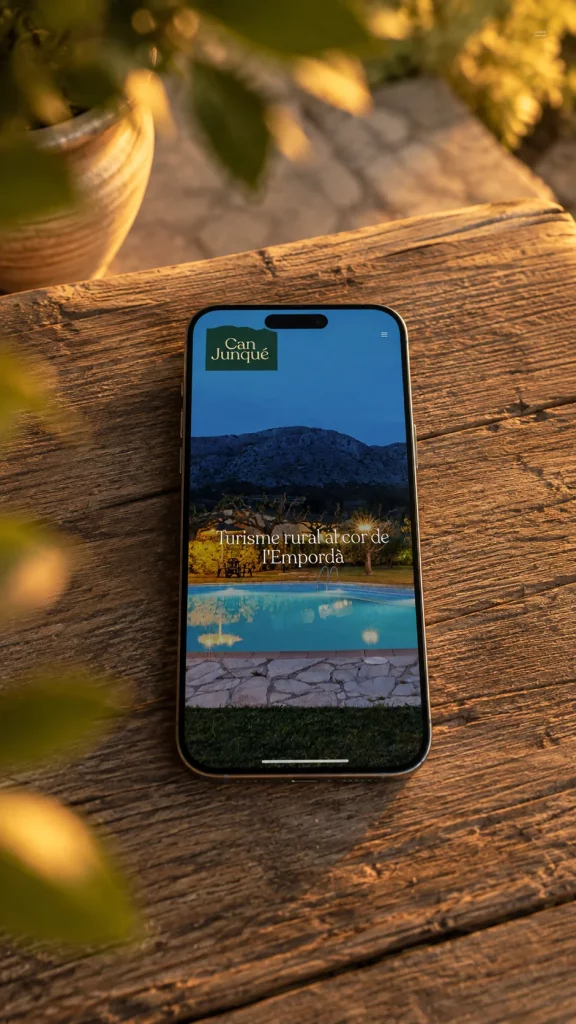
The same information on a smaller screen
Capacity, dates and the next step should remain easy to find when the screen changes. Mobile view of the Can Junqué project. View the project
The Can Junqué project
For Can Junqué, crida studio worked on identity, photography, UX/UI, web development, direct booking and integrations. The case shows how presenting a place and making it bookable can form part of the same experience.
The example describes the work completed. It does not imply that a website alone guarantees higher occupancy, or that the same system is appropriate for every accommodation business.
What to measure before making changes
When assessing improvements, distinguish visits, submitted enquiries and confirmed bookings. If the final step happens in an external system, measurement needs to account for that. A click on a booking button does not demonstrate a completed booking.
Before changing everything, identify what stops someone from booking. There might be missing information, an unclear transition or a form that prevents progress. That observation helps decide where to start.
What should I prepare before asking for a proposal?
Information about the accommodation, available photographs, the languages required and how enquiries and availability are managed today. These make it easier to define the scope.
