

On this page
Are infografía 3D and render the same thing?
Yes. In Spanish architecture and property sales, both words are used for the same image. Render means calculating the final image from the 3D model, with light and materials. Infografía is the word many Spanish studios and developers use. At crida studio we use both words for the same work.
The confusion comes from a second meaning. Infografía can also be a chart that explains data, like the English infographic. In 2022 TERMCAT, the Catalan terminology centre, published an infografia with the names of data chart types. If you brief a studio in Girona or Barcelona, render and infografía 3D will both be understood.
What to call it on an English-language property site
In English, an infographic is a data graphic. The Cambridge Dictionary defines it as a picture or diagram that shows or explains information. If the English page of a Costa Brava development says 3D infographics, a buyer from abroad may expect charts.
In English, write 3D render, architectural visualisation or CGI. The same applies to file names and alt text. Use the words a buyer from Germany, the UK or the Netherlands would actually type into Google in their own language.
Is an infografía 3D more expensive than a render?
No, because they are the same thing. What changes the quote is the number of pieces, whether the 3D model has to be built from scratch, how many finishes need to be shown and how many formats are delivered. When comparing quotes, check which views each one includes and how many rounds of changes.
Which images a development can have and what each one is for
Each piece answers a different buyer question. Before asking for a number of images, write down what the development needs to explain. Then pick the pieces that explain it. Three nearly identical exterior views do not say more than one.
| Piece | What it explains | Where it fits best |
|---|---|---|
| Street-level exterior | How the building will look from outside | Website hero, site hoarding, property portals |
| Aerial view | Where the building is and what is nearby | Developments with gardens, pools or several blocks |
| Interior | What the living room, kitchen or bedroom will be like | Unit type pages, sales brochure |
| 3D floor plan | How the rooms of a flat are laid out | Unit type pages, next to the floor plan |
| 360 panorama | What a room looks like in every direction | Website and sales office visits |
| Video or walkthrough | How you arrive and move from room to room | Social media, campaigns and presentations |
Can renders be published before the building permit is granted?
This guide cannot answer that, because it depends on each development and the developer's adviser should look at it. What article 2 of Royal Decree 515/1989 does say is that advertising must always state whether the home is under construction or finished.
Want to know which renders your development needs? Leave us your details and we will look at the plans with you.
Let's lookWhen to commission renders for a development
Order the final images once the architecture and materials are settled. If the facade or flooring changes after the image is done, it has to be redone, and buyers may already have seen a version that is no longer accurate.
If decisions are still open, start with an untextured massing model. It helps choose camera angles and brief the sales team. The finished images come later, with materials approved by the architect and the developer.
How many renders does a small development need?
It depends on what needs explaining. As a starting point, one exterior, a living room interior for each unit type and a 3D floor plan of each flat usually cover the essentials. Aerial views and video make more sense when there are shared areas or surroundings worth showing.
What Spanish rules say about property advertising
Royal Decree 515/1989 governs information in the sale and rental of homes in Spain. Article 2 says advertising must match the real features, conditions and use of the home and always state whether it is under construction or finished. Article 3.2 says advertised details on construction, location, services and installations can be required even if they are not in the contract.
Article 4.2 requires a general site plan and the floor plan of the home to be available to the public. A 3D floor plan helps people read that plan. If an image is made or edited with AI, see our guide on renders, virtual staging and AI.
The second additional provision says the decree applies on a supplementary basis in regions whose statute gives them full powers over consumer protection, except articles 3.2 and 10, which apply across Spain. Before publishing, have the developer's adviser check the text that goes with the images and the regional rules, such as Catalonia's.
What does a 3D studio need to get started?
Floor plans in DWG or PDF with dimensions, elevations, the specification of finishes and approved material references. If the architect has a 3D model, it saves work. It also helps to know where the images will be used, because a website hero and a vertical ad need different framing.
How to publish renders so Google understands them
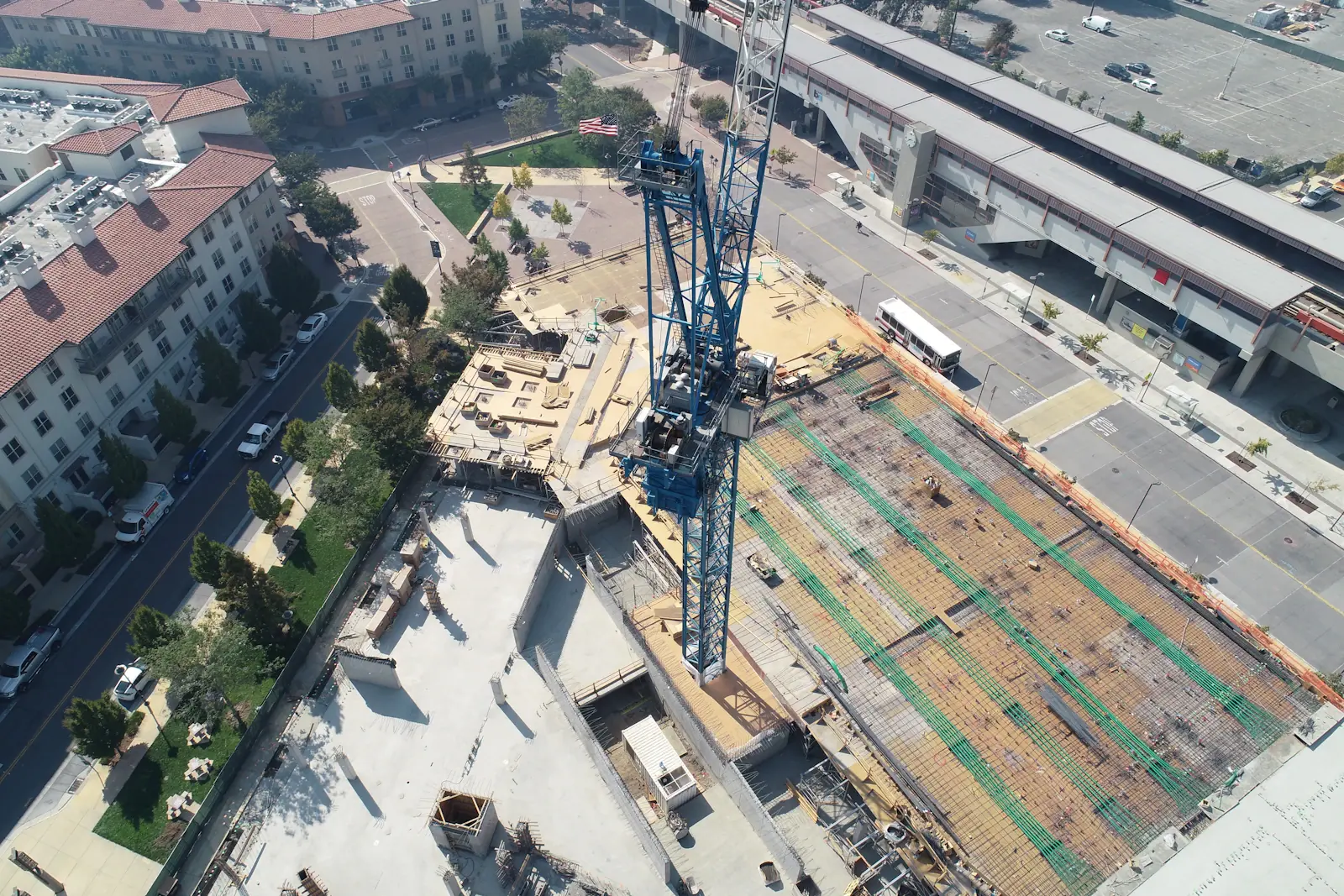
Google uses the file name, alt text and page text to work out what an image shows. Its Google Images guidance says so, and recommends short, descriptive file names and placing images near the text about them.
A name like render-final-v3.jpg says nothing. One like penthouse-terrace-girona-new-build.jpg does. Alt text should describe what is visible, for example a penthouse terrace with mountain views. Google supports BMP, GIF, JPEG, PNG, WebP, SVG and AVIF.
- A descriptive file name for each image, in the language of the page.
- Alt text that says what is visible, without stuffing keywords.
- Each image on the page of the unit type it shows, not all in one gallery.
- Lighter versions for mobile, with the same framing.
